read it here.
Start Virtual Machine once everything is ready
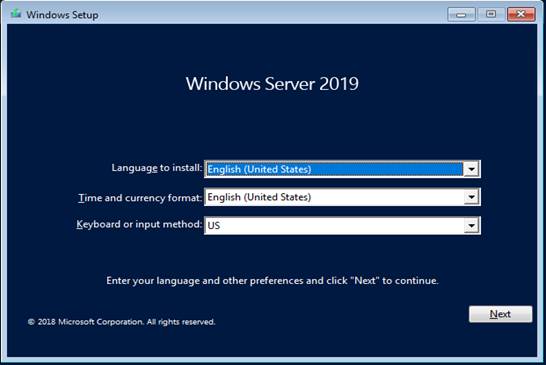
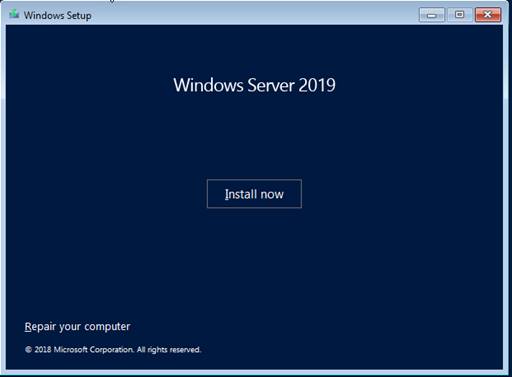
Installation of Server starts with selecting language keyboard type and time zone.
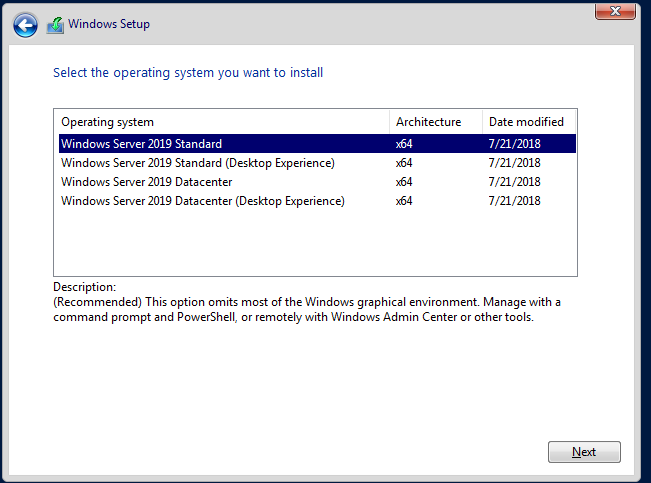
Only two architectures are available with the 2019 server -- Standard and Datacenter
Both come with and without GUI:
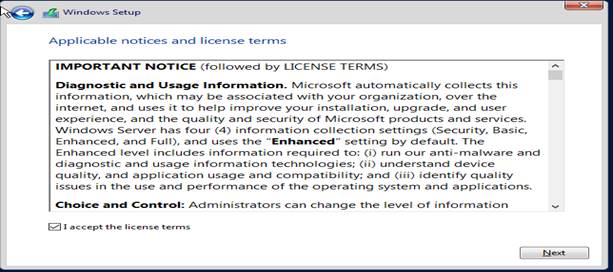
Next is the user license agreement
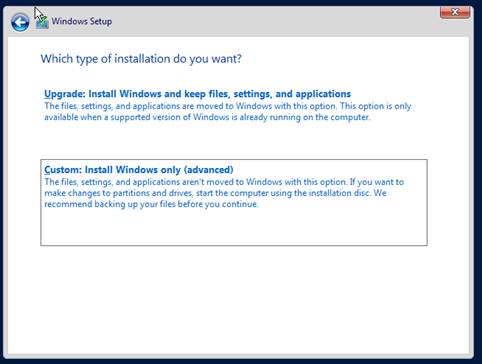
Installation type
Upgrade - For the Admin upgrading their windows server 2012 or 2016 to 2019.
Custom - Fresh install
HDD as per default,
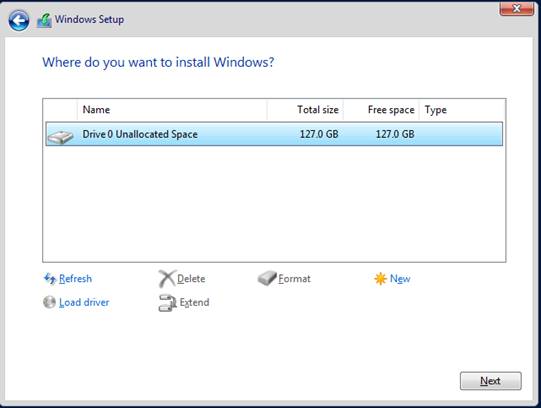
Click Next to start Installation,
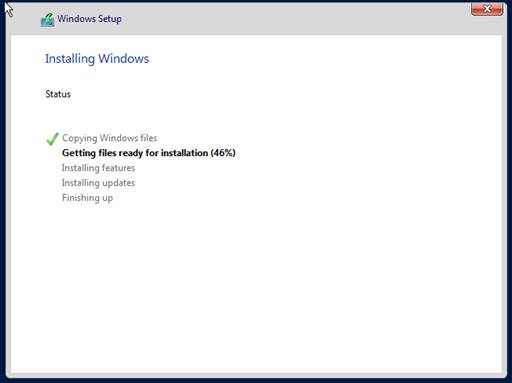
Installation time varies depending on available memory,
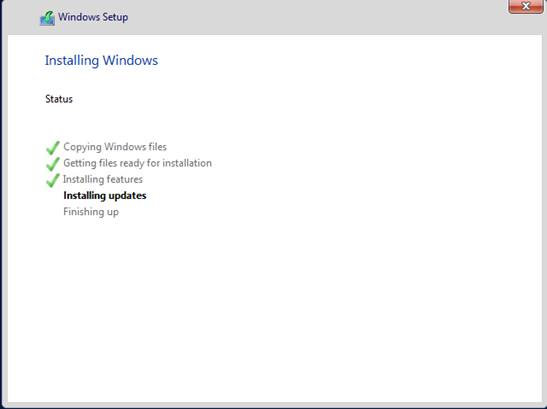
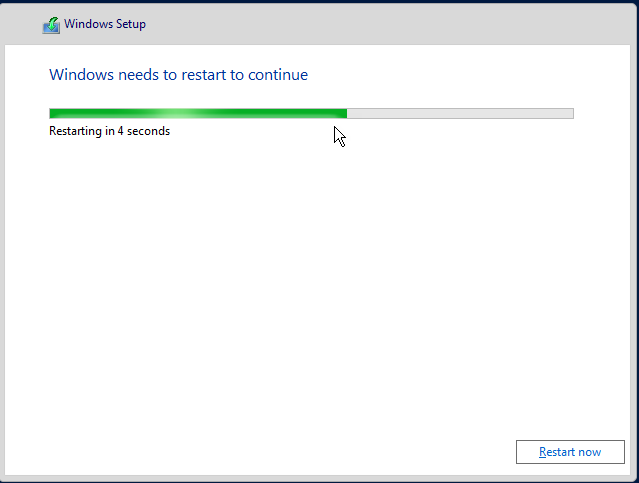
As per standard Microsoft practice system restarts once installation is complete,
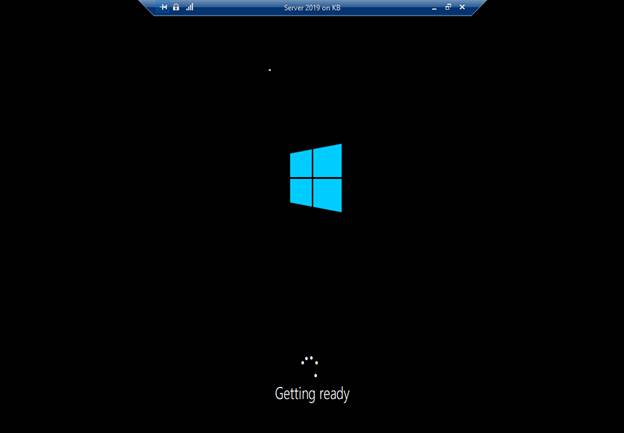
First, look,
Windows Server 2019 Standard
Creating a password for the administrator,


Finally, the server is ready to use.
%20Gecko%2F20100101%20Firefox%2F75.0&aac=&if=1&uid=1586671131&cid=1&v=457)
Start Virtual Machine once everything is ready
Installation of Server starts with selecting language keyboard type and time zone.
Only two architectures are available with the 2019 server -- Standard and Datacenter
Both come with and without GUI:
Next is the user license agreement
Installation type
Upgrade - For the Admin upgrading their windows server 2012 or 2016 to 2019.
Custom - Fresh install
HDD as per default,
Click Next to start Installation,
Installation time varies depending on available memory,
As per standard Microsoft practice system restarts once installation is complete,
First, look,
Windows Server 2019 Standard
Creating a password for the administrator,


Finally, the server is ready to use.
Comments